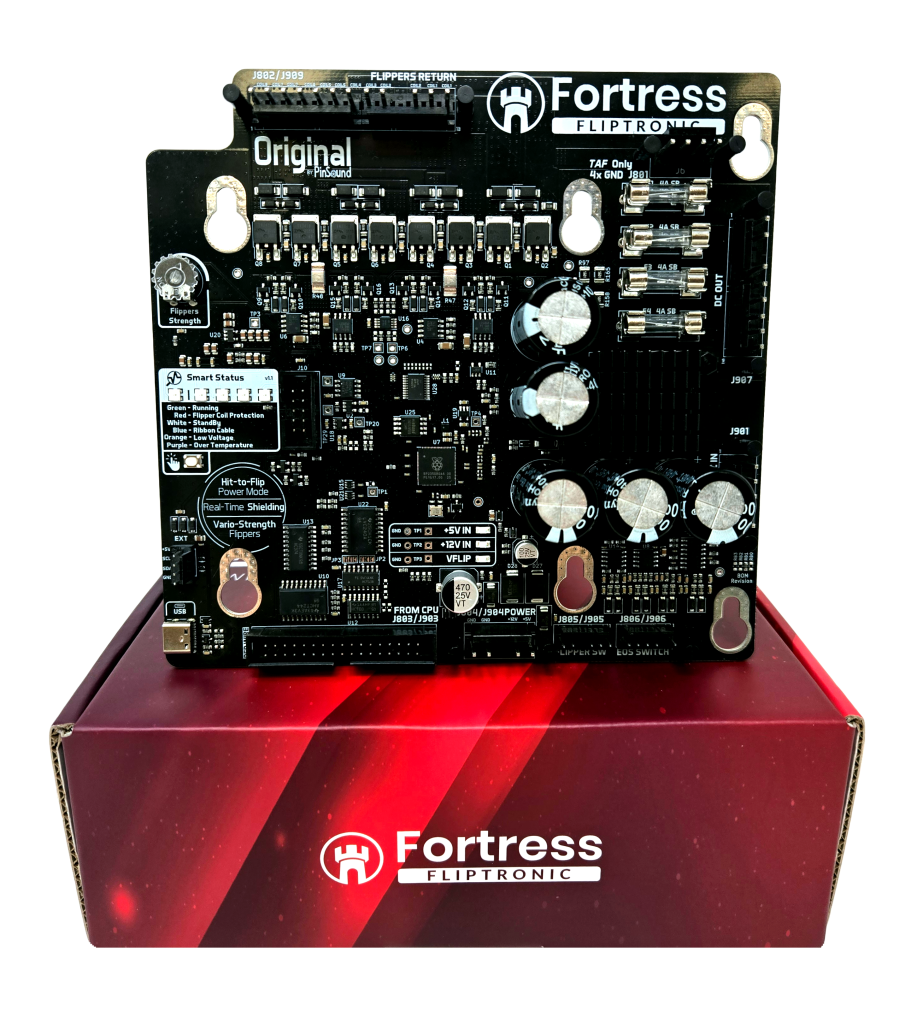
Fortress Fliptronic

Comment pouvons-nous vous aider ?

Installation

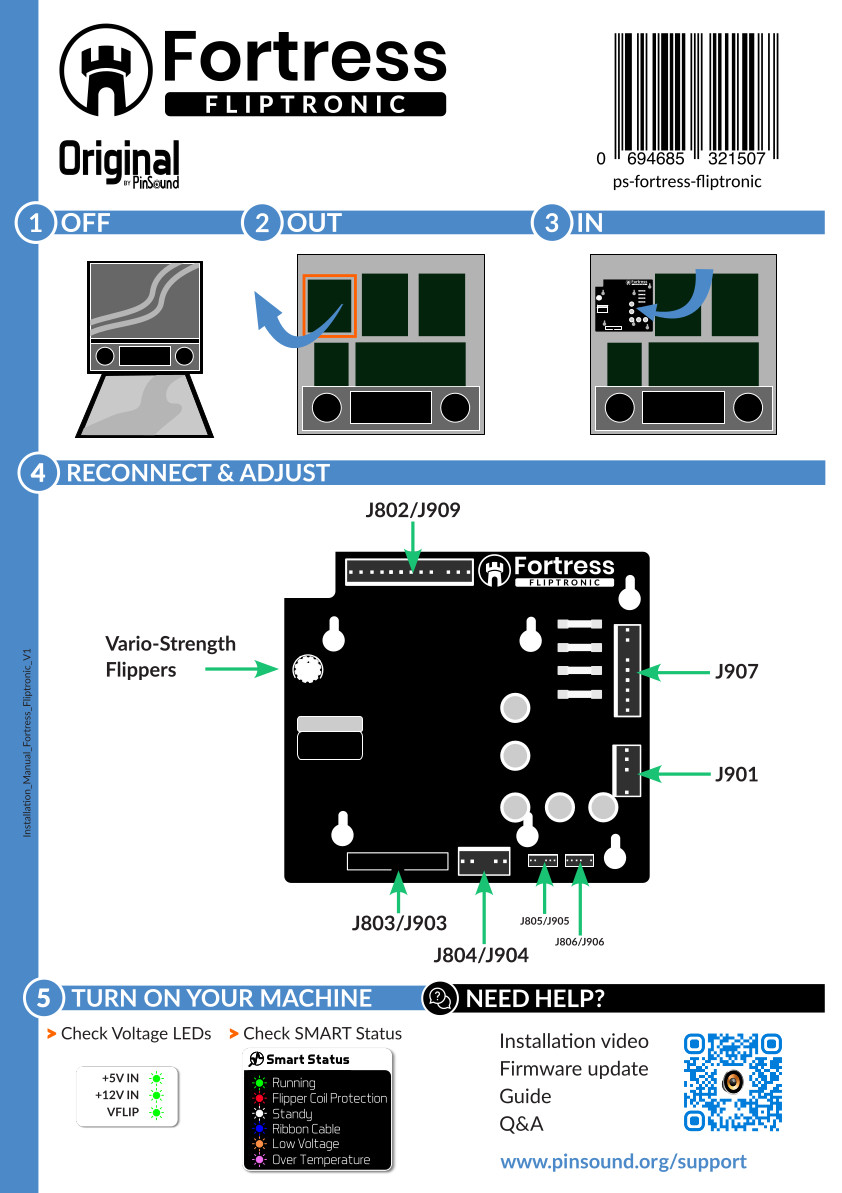
  • Éteignez votre flipper.
  • Open the backbox
  • Locate the upper left board 
  • Disconnect all the cables from it
  • Remove the original Fliptronic board
  • Fit and connect Fortress Fliptronic (same connectors)
  • Turn on your machine
  • Adjust the vario-strength

FAQ

Colour

Meaning

🟢 Green – breathing

Normal operation – board healthy

🔵 Blue

No coil data received from the pinball CPU (data-link timeout)

⚪ White

Blanking active – the machine is holding the coil outputs off (e.g. during reset or start-up)

🟠 Orange – all blinking

Over-voltage warning on the 5 V or 12 V supply

🟠 Orange – steady, one end blinking

Under-voltage warning – left-most LED blinks = 5 V low, right-most LED blinks = 12 V low

🟣 Purple

Over-temperature

🔴 Red

Fault – coil drive disabled

The Hit-to-Flip feature is enabled by default.

You can disable this feature following these steps:

  • Double-click the user button to enter the menu.
  • Single click to enable or disable the feature
    🔴 Rouge = Disabled · 🟢 Green = Enabled (default)
  • Long press (1 s) to save changes and exit
  • F1: 4A Slow Blow
  • F2: 4A Slow Blow
  • F3: 4A Slow Blow
  • F4: 4A Slow Blow

Fortress Fliptronic

for Bally Williams WPC