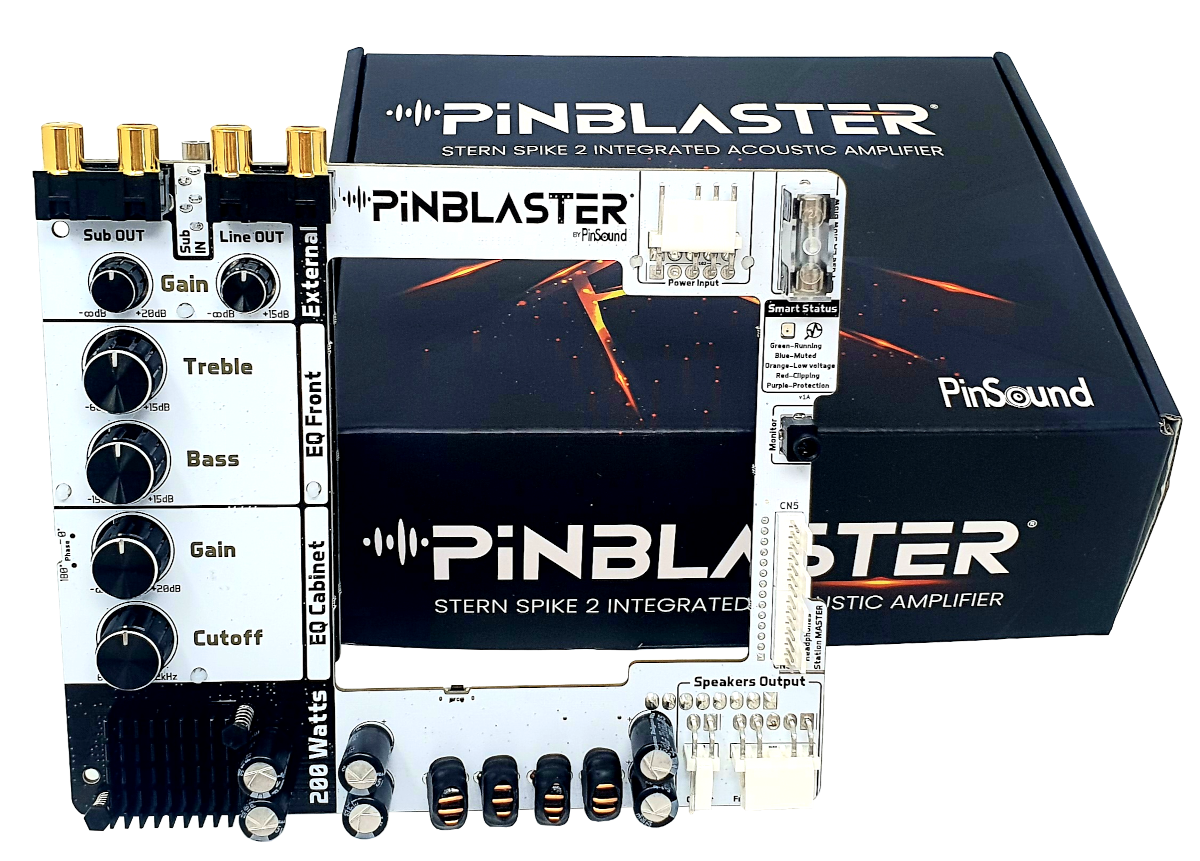
In the pinball machine audio menu, we recommend to:
You will need a stereo RCA-to-RCA cable in order to connect your subwoofer. Depending on your subwoofer input (mono or stereo), you should connect your cable as shown below:
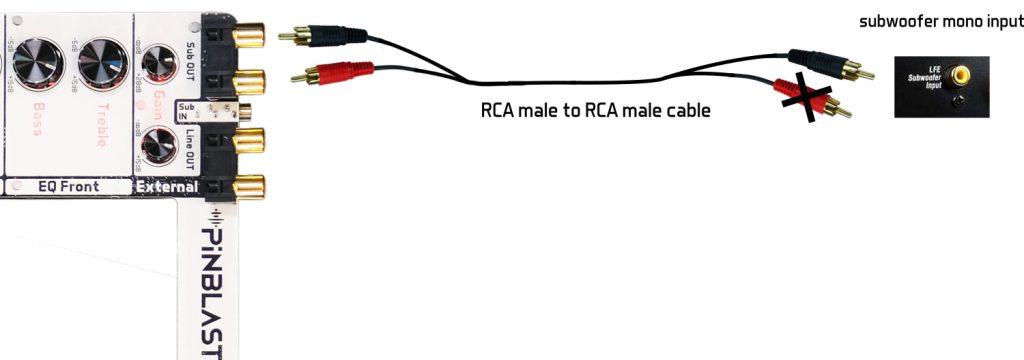
For mono input subwoofer: plug RCA-to-RCA cable into the PINBLASTER female RCA, and plug only one of the RCA end to your subwoofer mono input.
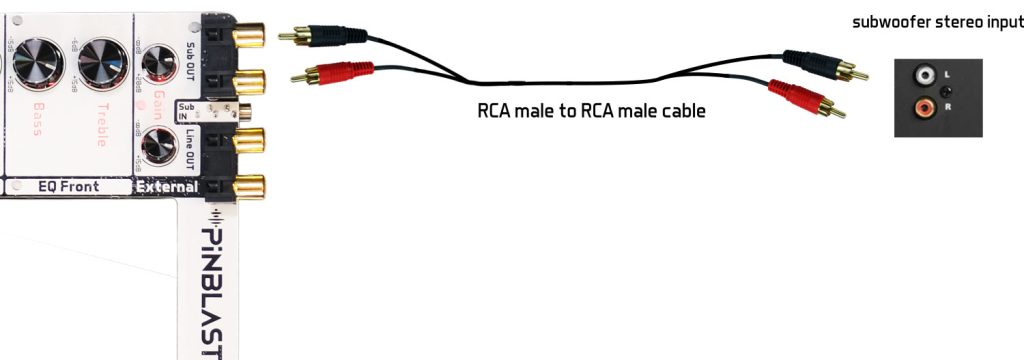
For stereo input subwoofer: plug RCA-to-RCA cable into the PINBLASTER female RCA, and plug the RCA end to your subwoofer stereo input.
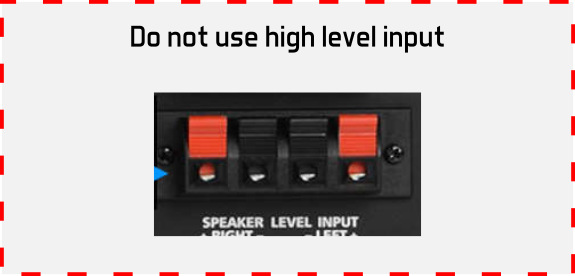
Warning: Always use line level input, never use high level input.
High level, speaker level input is not compatible with PINBLASTER.
A maximum of six machines is recommended for optimal performance, but the system is fully compatible with fewer machines as well.
Daisy-chain feature works either with games powered-on or power-off indistinctly along the chain.
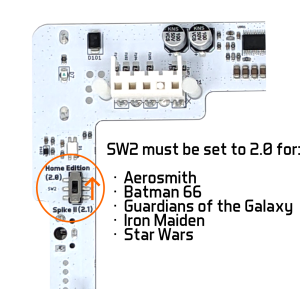
The following machines equipped with a first SPIKE2 CPU (6 pins on their CN5 connector instead of 7 pins) require a specific switch setting.
At the back of the PINBLASTER board:
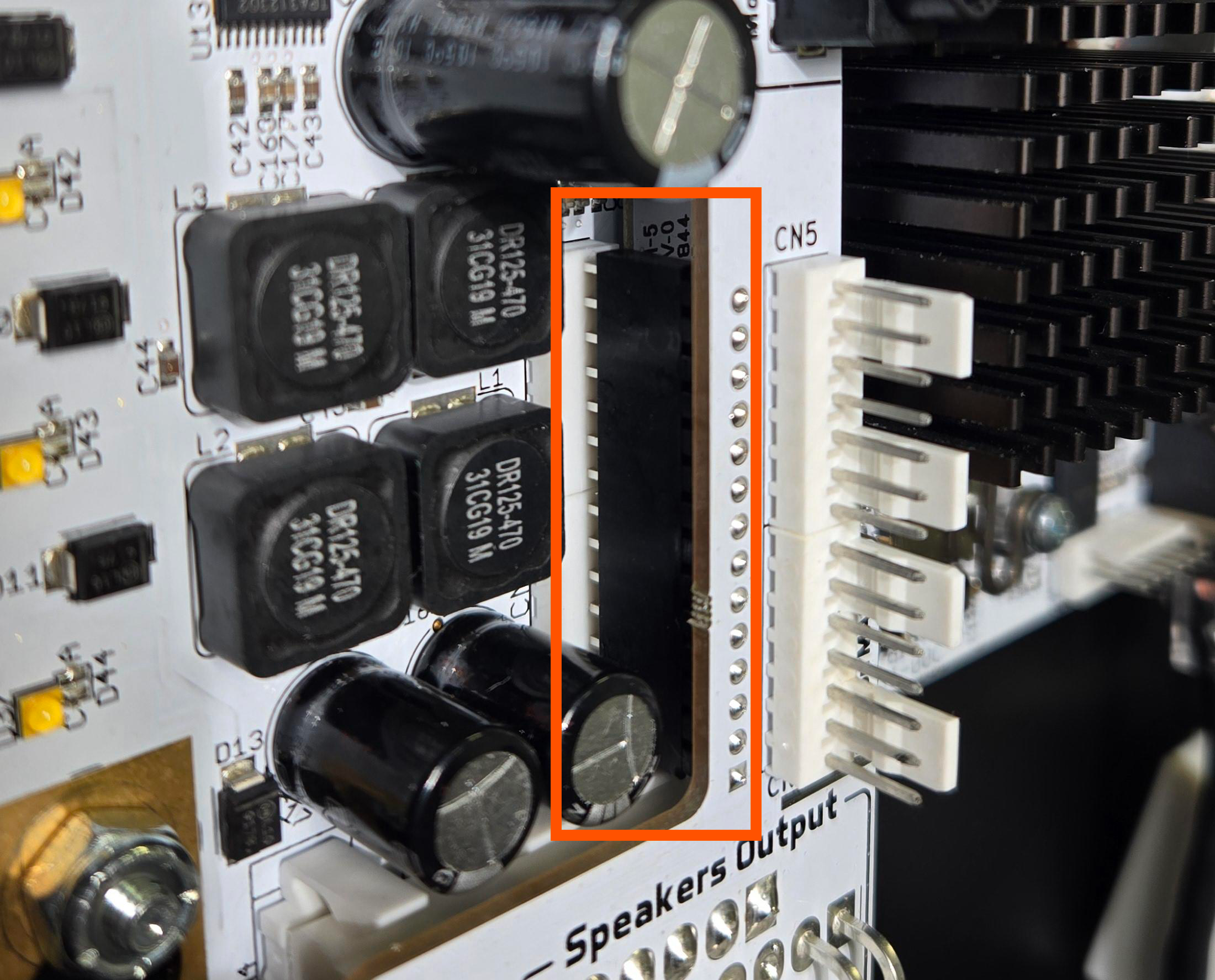
Check for any misinserted pins in the black connector:
We believe that sound is a highly personal experience. The optimal audio settings can vary greatly depending on individual preferences, the specific equipment installed (such as external subwoofers or new speakers), and the unique acoustic environment of your space.
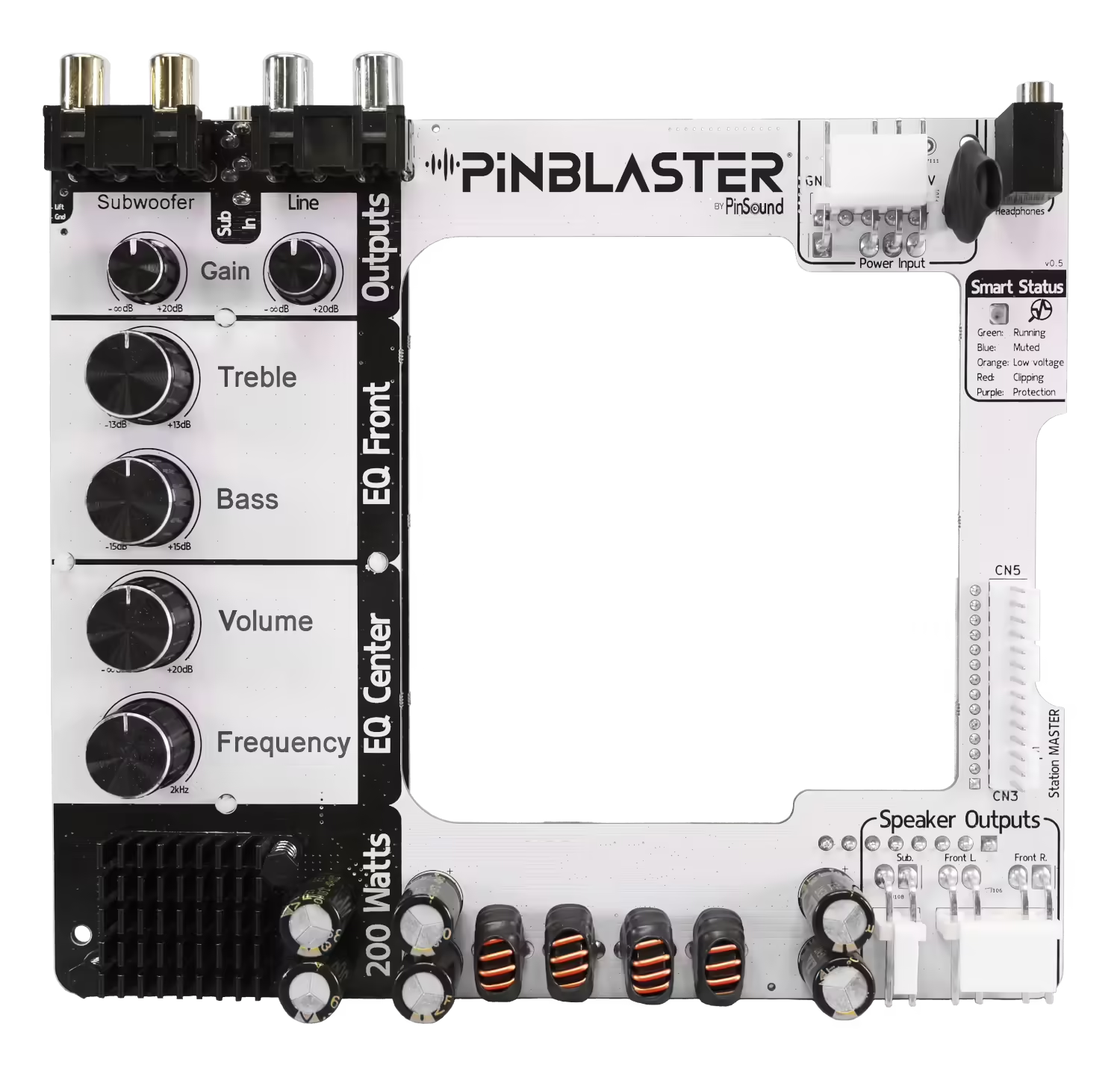
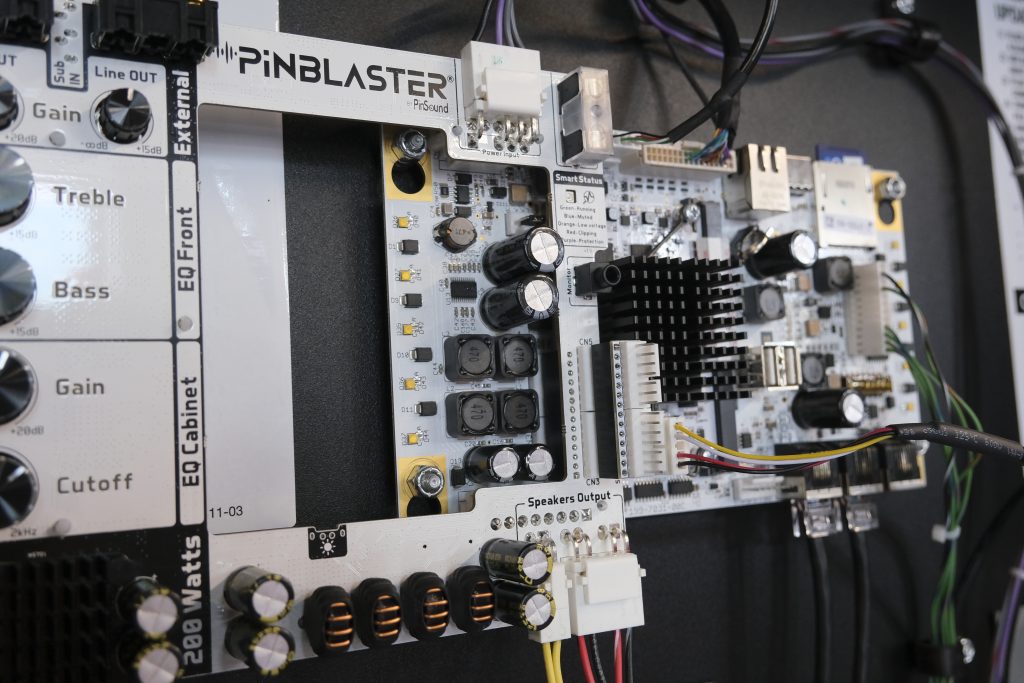
While some may offer predefined settings for each pinball machine, we find that this approach doesn’t account for these personal and technical differences. Instead, we recommend starting with all potentiometers set to their midpoint. From there, you can gradually adjust each one while playing to fine-tune the sound to your liking.
This method ensures you achieve the best audio experience tailored specifically to your tastes and setup. We encourage you to experiment with the settings to find what sounds best to you.
Yes, you can have both PINBLASTER and PINVISION installed in your pinball machine.
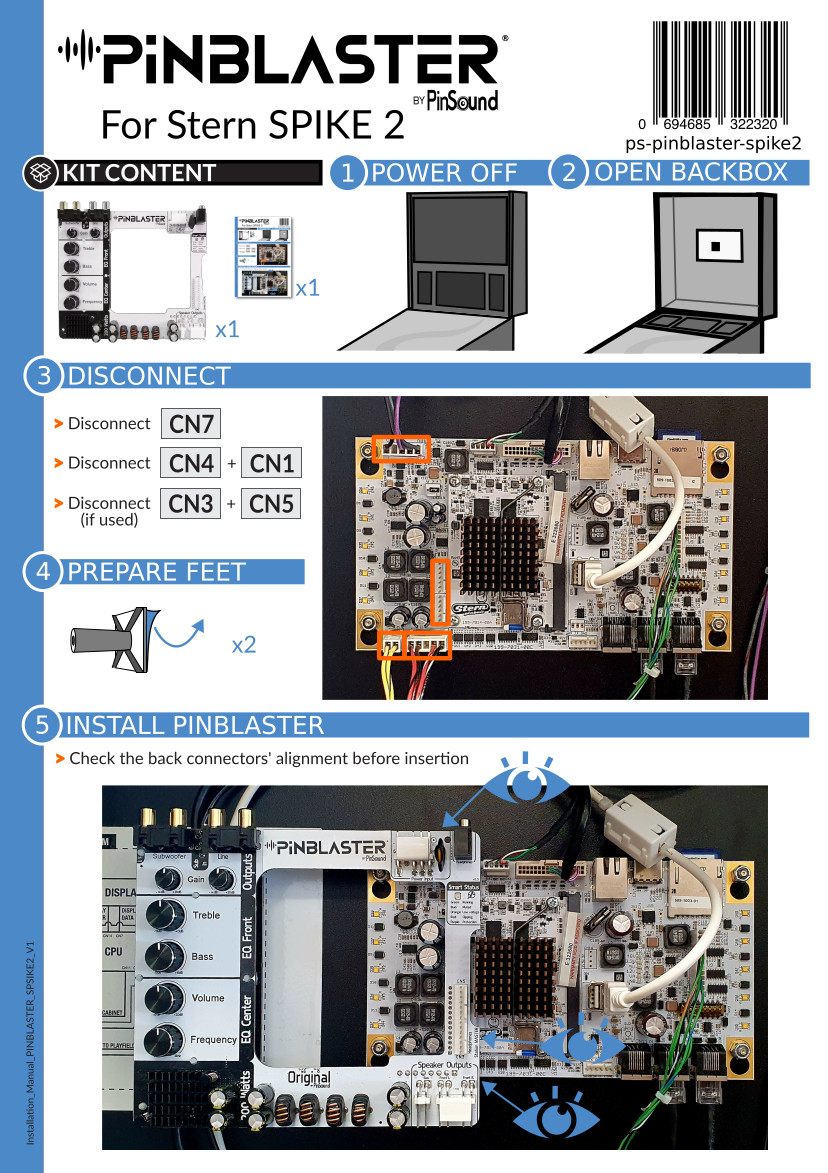
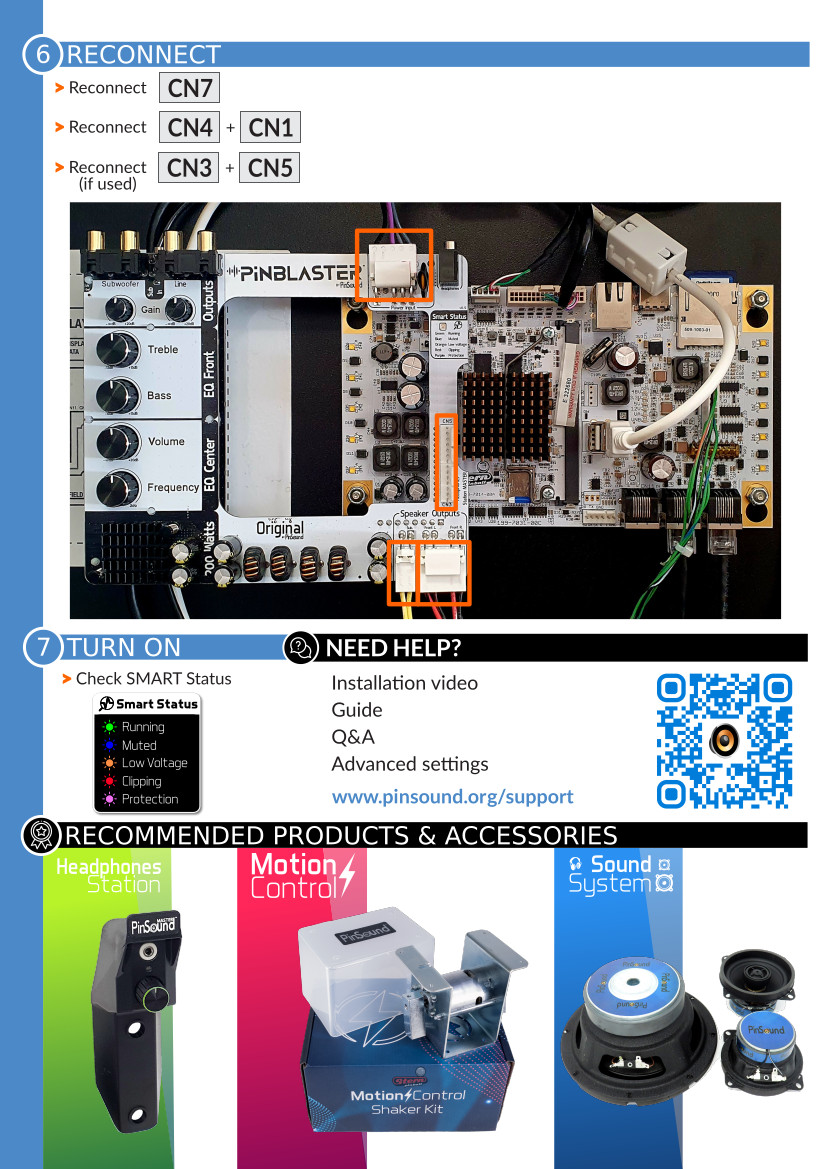
If PINVISION is already installed and you want to add PINBLASTER, simply follow the steps shown in the installation video. Remove PINVISION’s CPU interface from the CN3/CN5 connectors, install PINBLASTER, and then plug the CPU interface into the CN3/CN5 connectors on the PINBLASTER.
| Charge | 10% THD+N | 1% THD+N | 0,02% THD+N |
|---|---|---|---|
| 8Ω (back box R+L) | 40 W | 30 W | 10 W |
| 4Ω (back box R+L) | 100 W | 80 W | 10 W |
| 4Ω (cabinet center) | 150 W | 120 W | 20 W |
| 2Ω (cabinet center) | 200 W | 150 W | 30 W |
Headphones Station ULTRA is compatible with PINBLASTER for SPIKE 2.
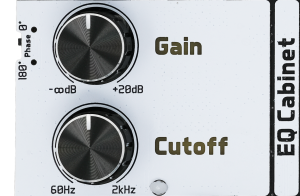
Depending on your machine setup, such as the floor material, the cabinet, and the subwoofer used, one phase setting may sound better than the other. Try 0° and 180°, and keep the position that gives you the best and strongest bass in your setup.