RocketCPU Whitestar

What do you need help with?

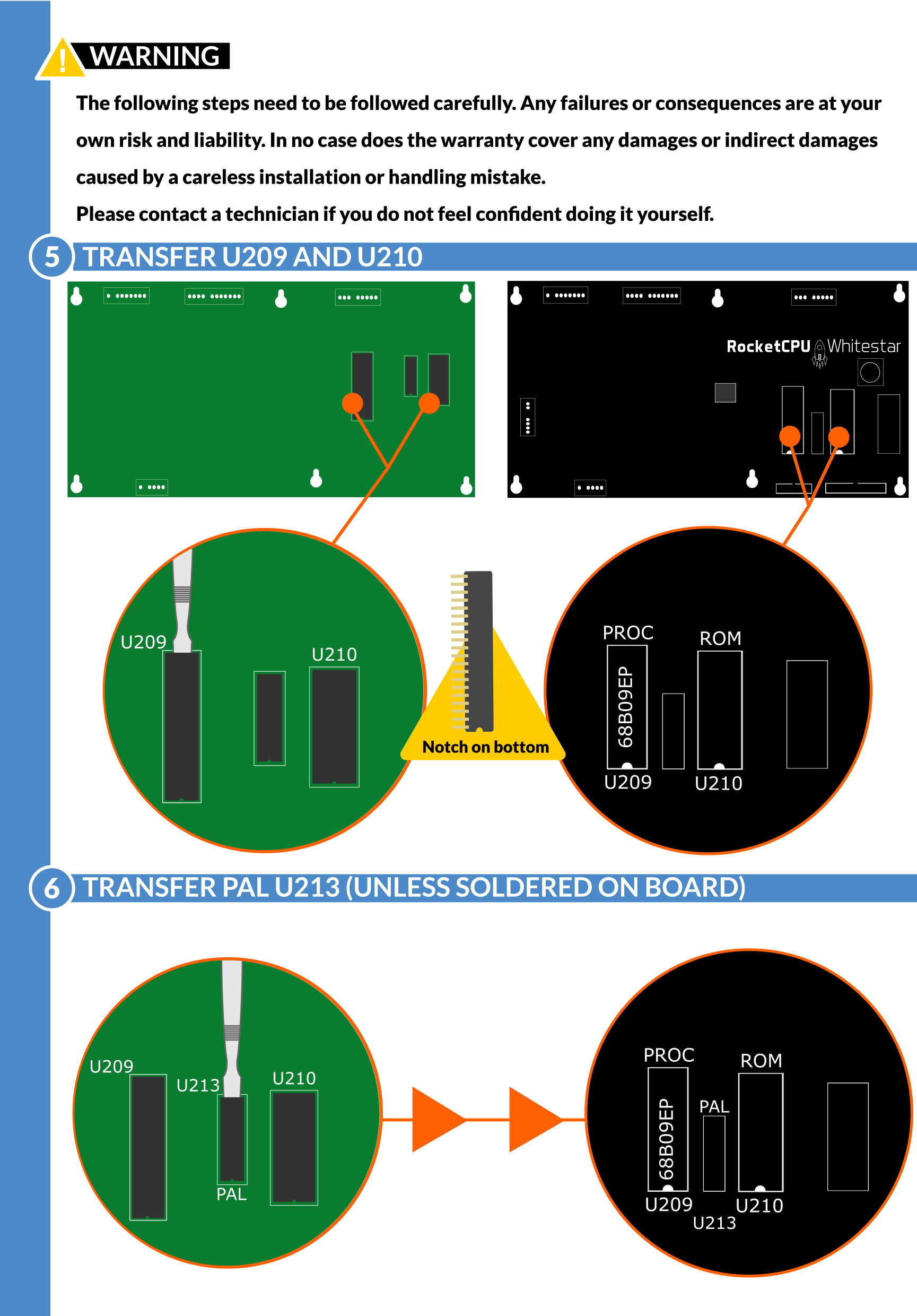
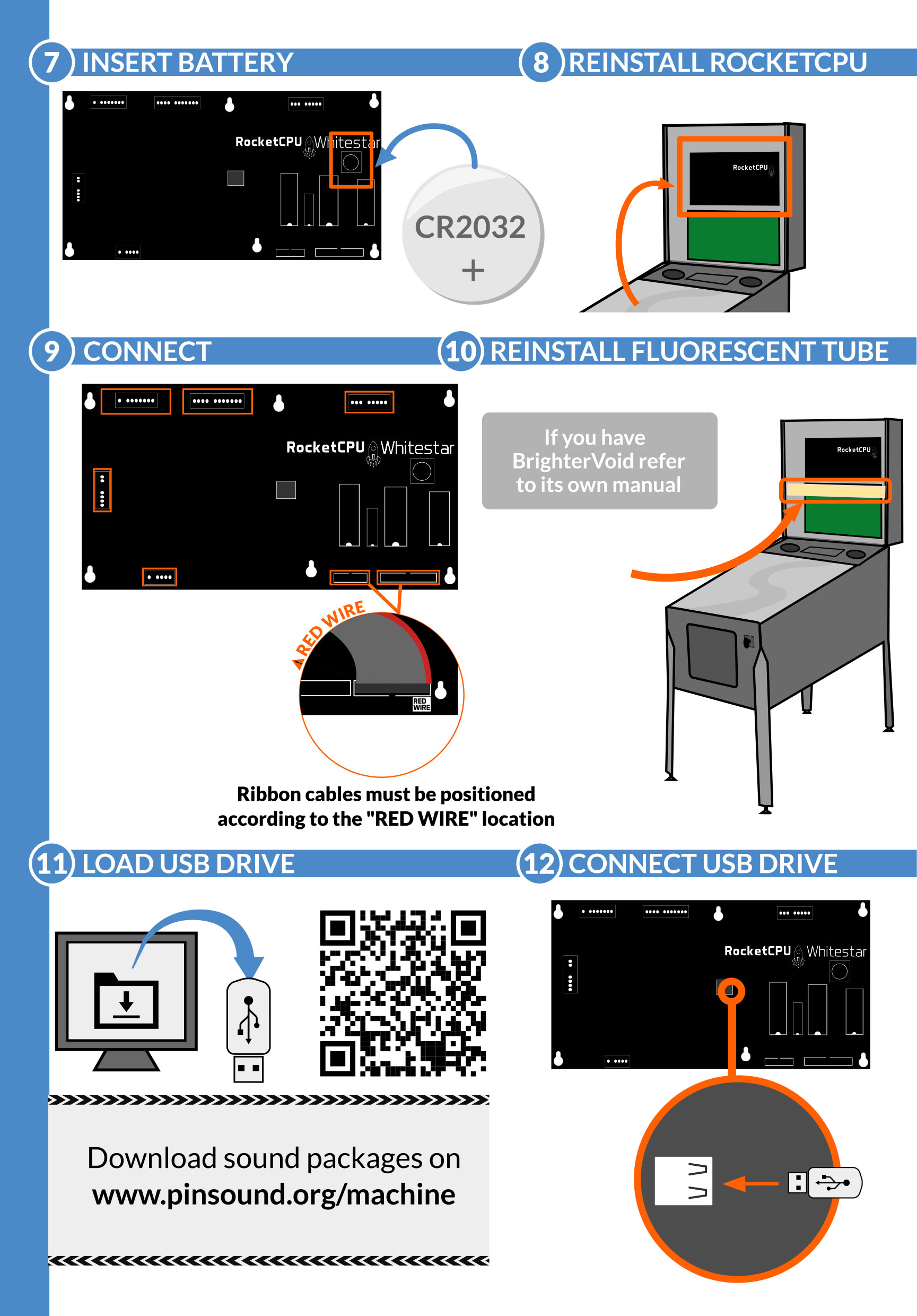
How to install a RocketCPU Whitestar board?

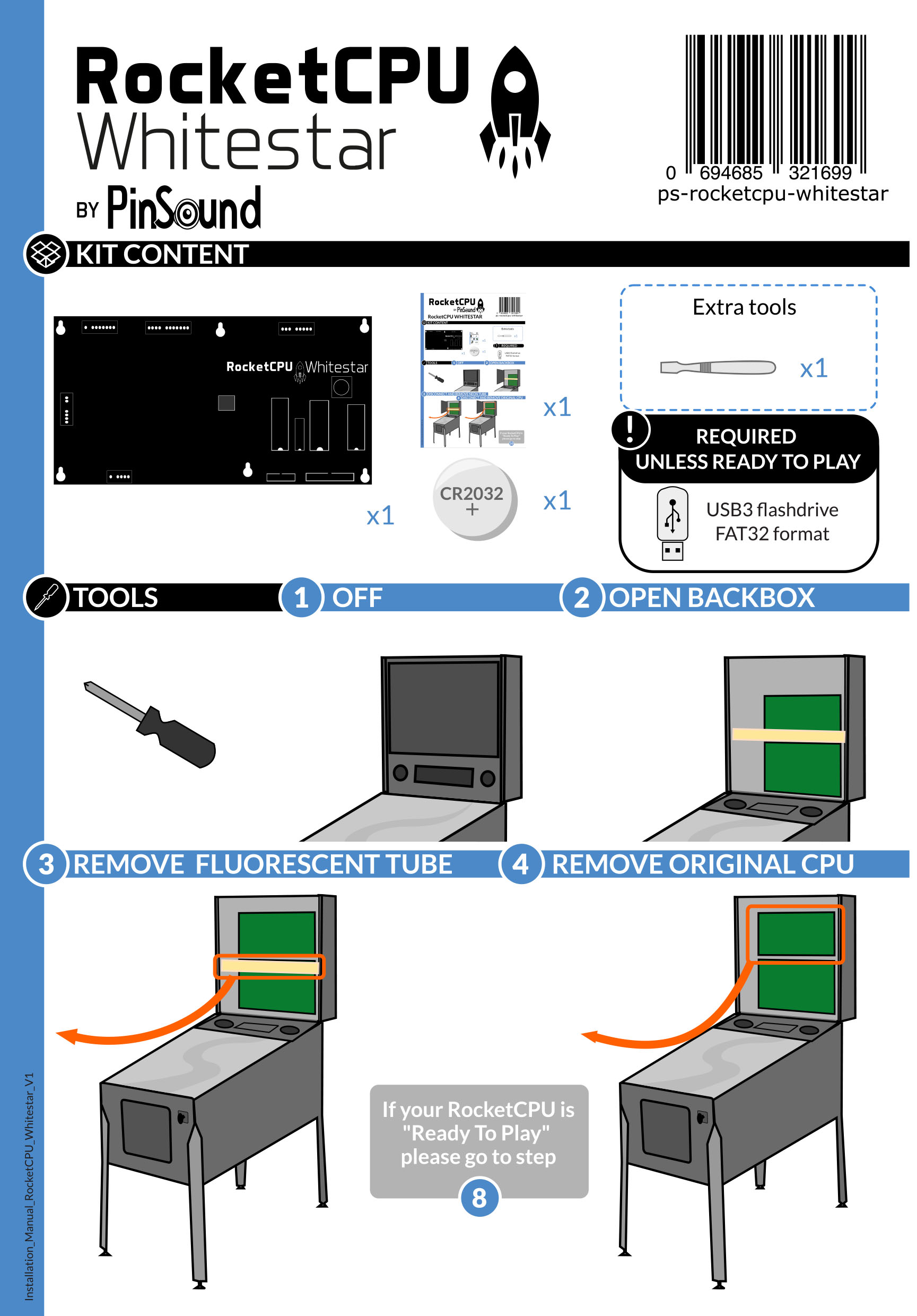
RocketCPU Whitestar installation manual

Popular guides

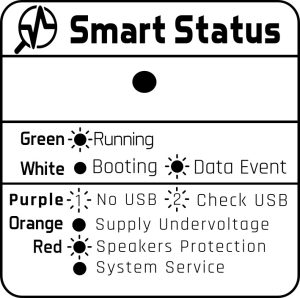
Regular startup sequence

During a normal startup, the Smart Status will be:

  1. White blinks 5 times
  2. Green stays on with regular white flashes


Error status

  • Orange: Weak power supply or undervoltage detected → check connection quality
  • Red: Amplifier overcurrent detected → the amplifier may be shorted; check for loose wires and voice coil damage (you can gently move the membrane by hand)
  • Blue: Engine error → restart the system or contact support
  • Blue (all potentiometers lit): Missing USB flash drive


You can buy a 100% compatible NVRAM on our webshop: NoVaRAM NVRAM
 
 
Once installed, make sure to set the NVRAM option switch to “Installed”.
If you remove your NVRAM, put the NVRAM option switch to “Off”.
 
NVRAMNVRAM OPTION
AbsentOFF
InstalledON

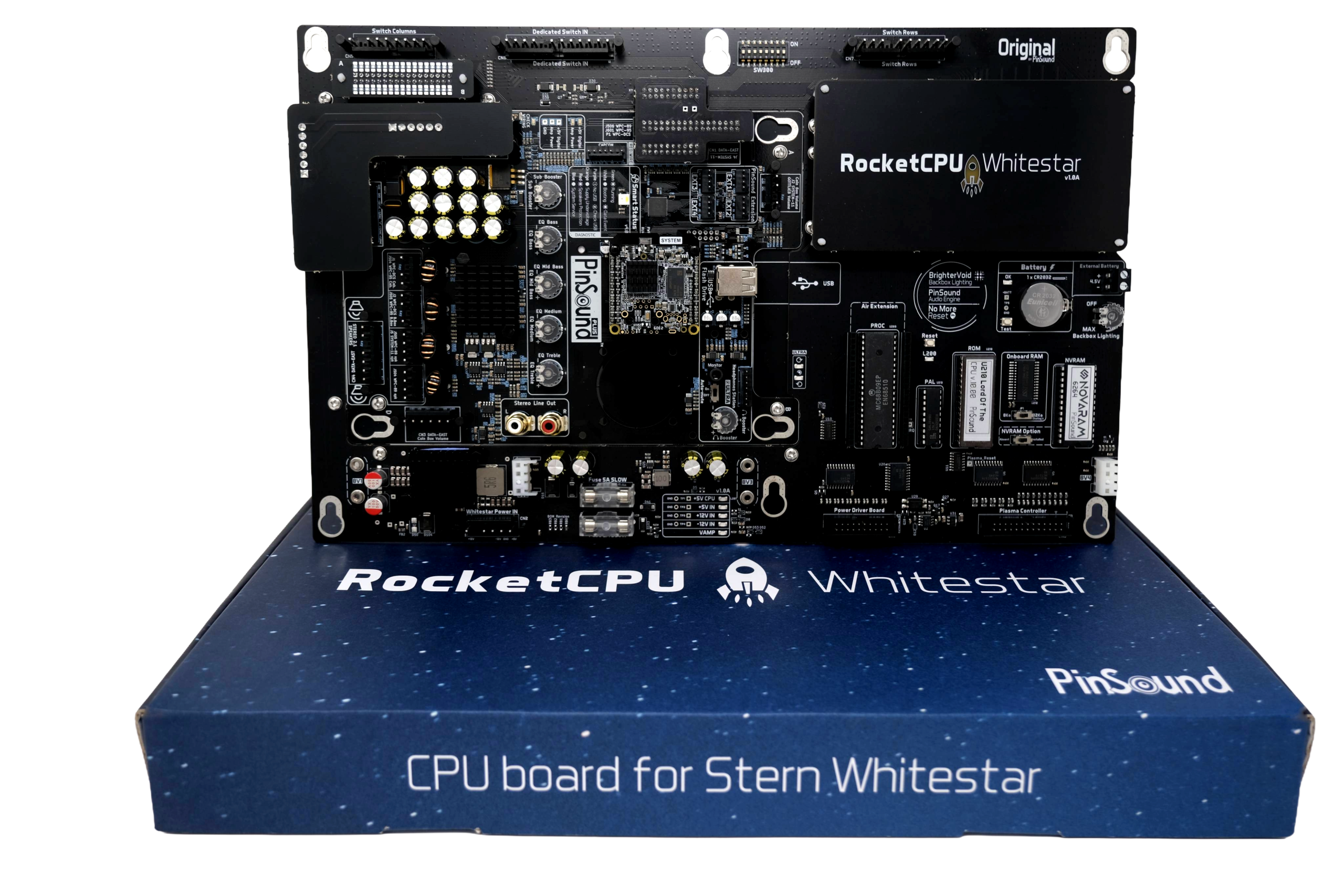
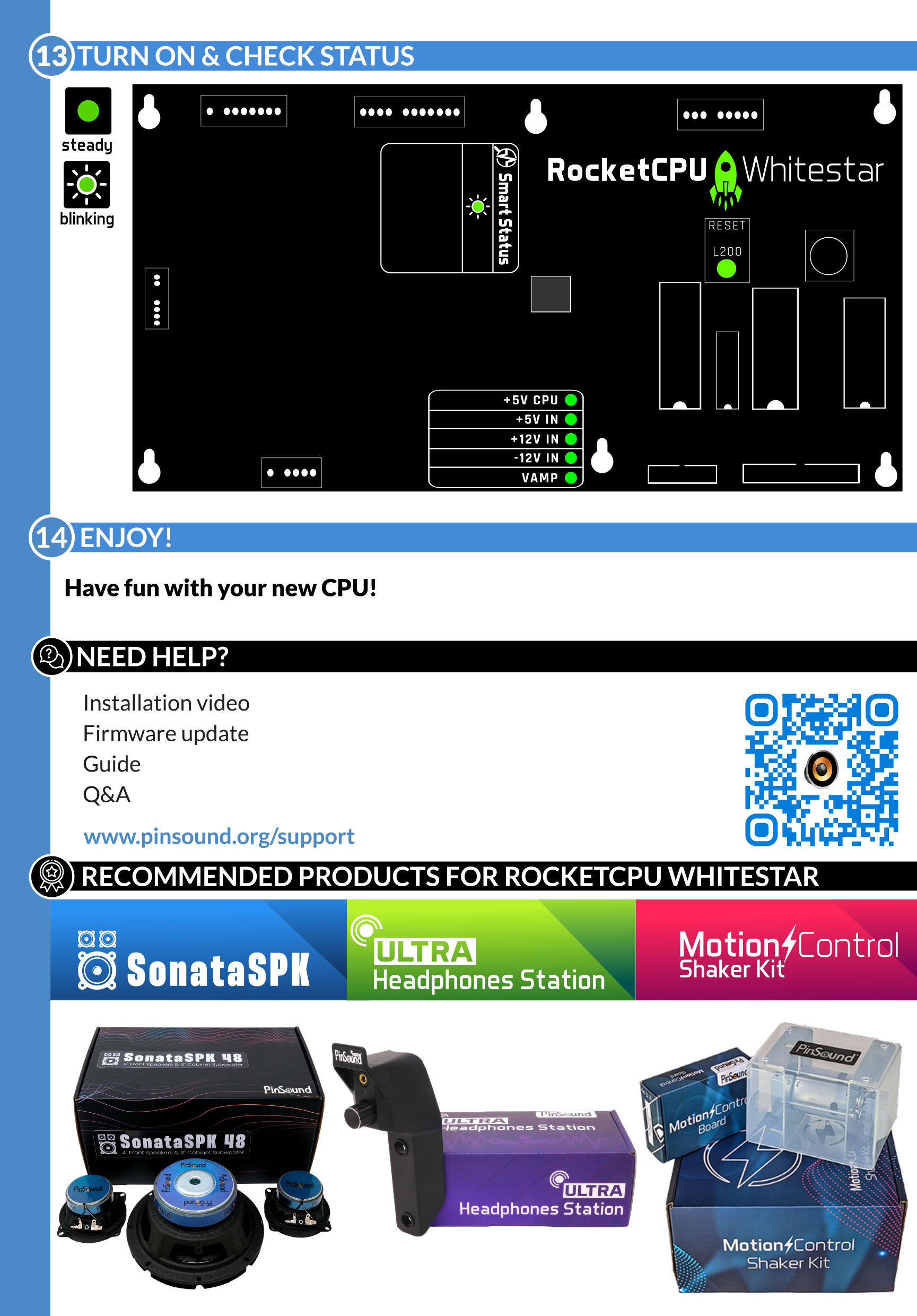
Whitestar Status LED


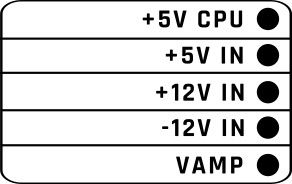
  • Alim Ramp should be the first to turn on, and all LEDs should be green
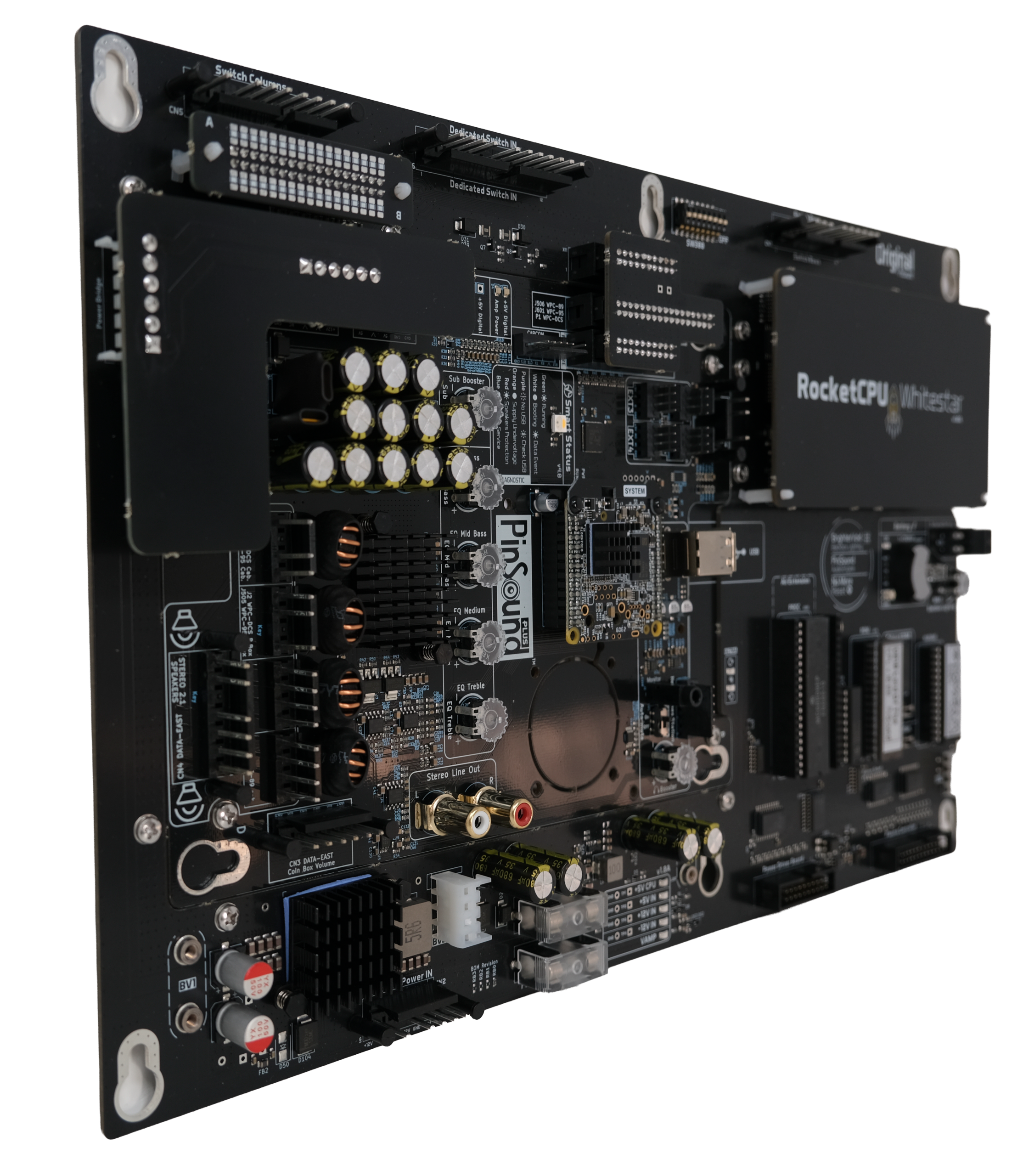
  • Rocket logo should light up green
  • Smart Status LED should pulse green and blink white
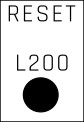
  • L200 should turn on and display green
 

RocketCPU Whitestar

Enhance your machine, start a new game