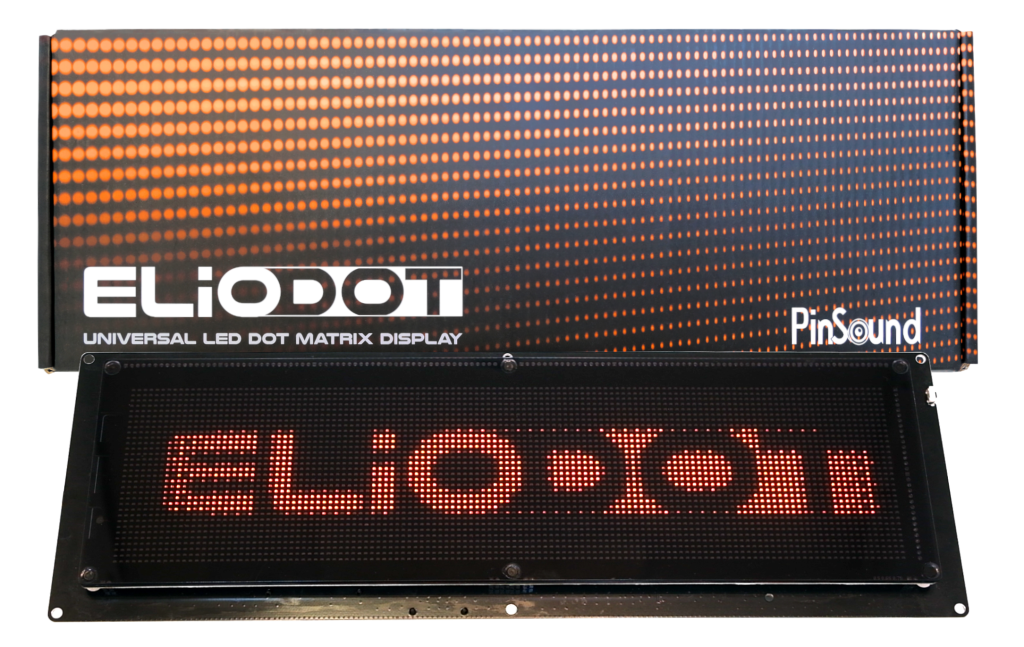
Single press the side button to check current level.
Press repeatedly to reach the desired brightness.
Note: Brightness setting persists after power-off.
Press and hold the side button for 3 seconds to enter the diagnostic menu.
Short click to navigate to Startup Logo
Double-click the button to toggle ON or OFF.
Hold button 3 seconds to save or wait for auto save & exit.
|
|
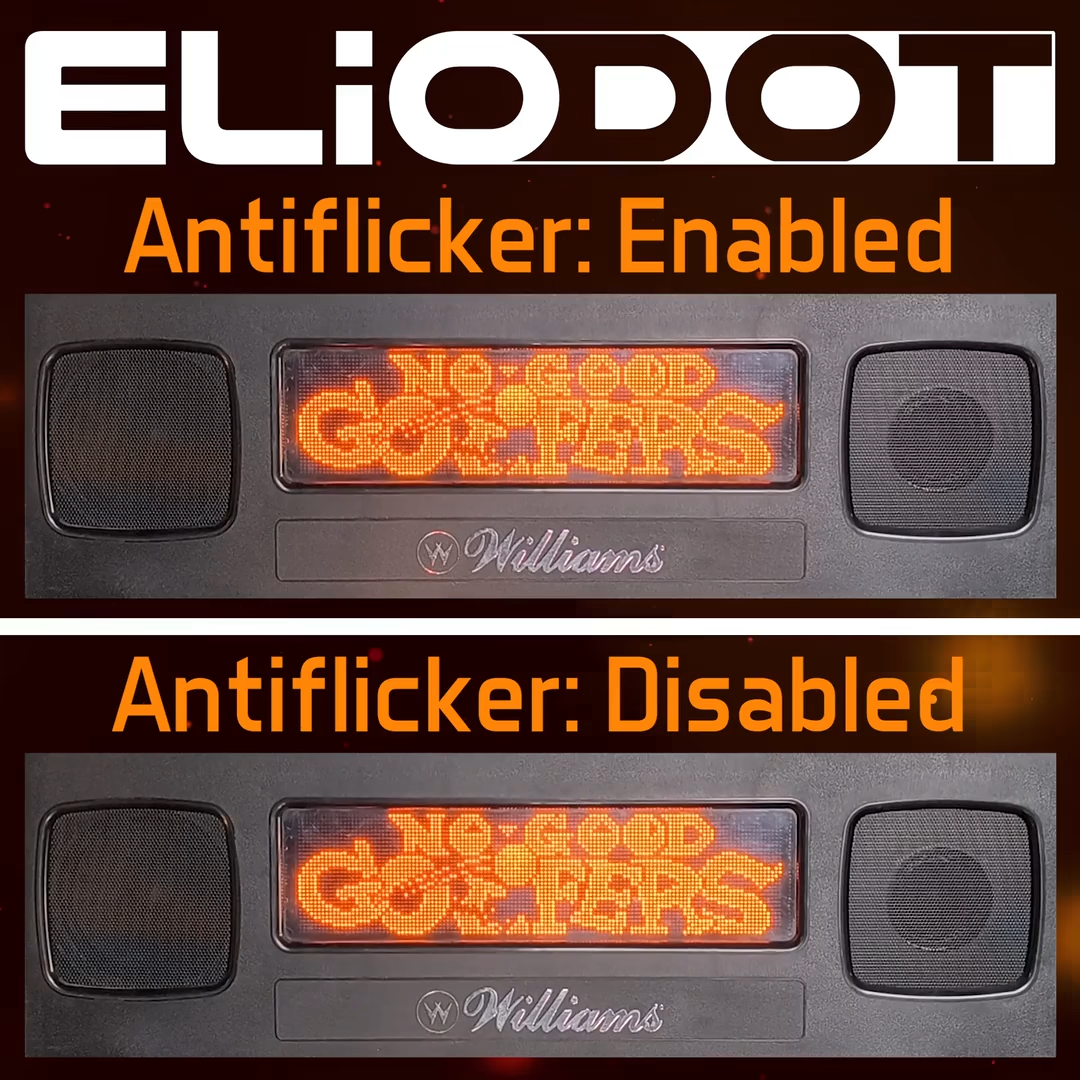
Note: The Antiflicker feature is only available on WPC games. It will automatically be enabled, but can be manually forced OFF in the menu settings if needed.
(not yet available, more info when optional hardware available)
FE1: 3 A Fast
FE2: 500 mA Fast
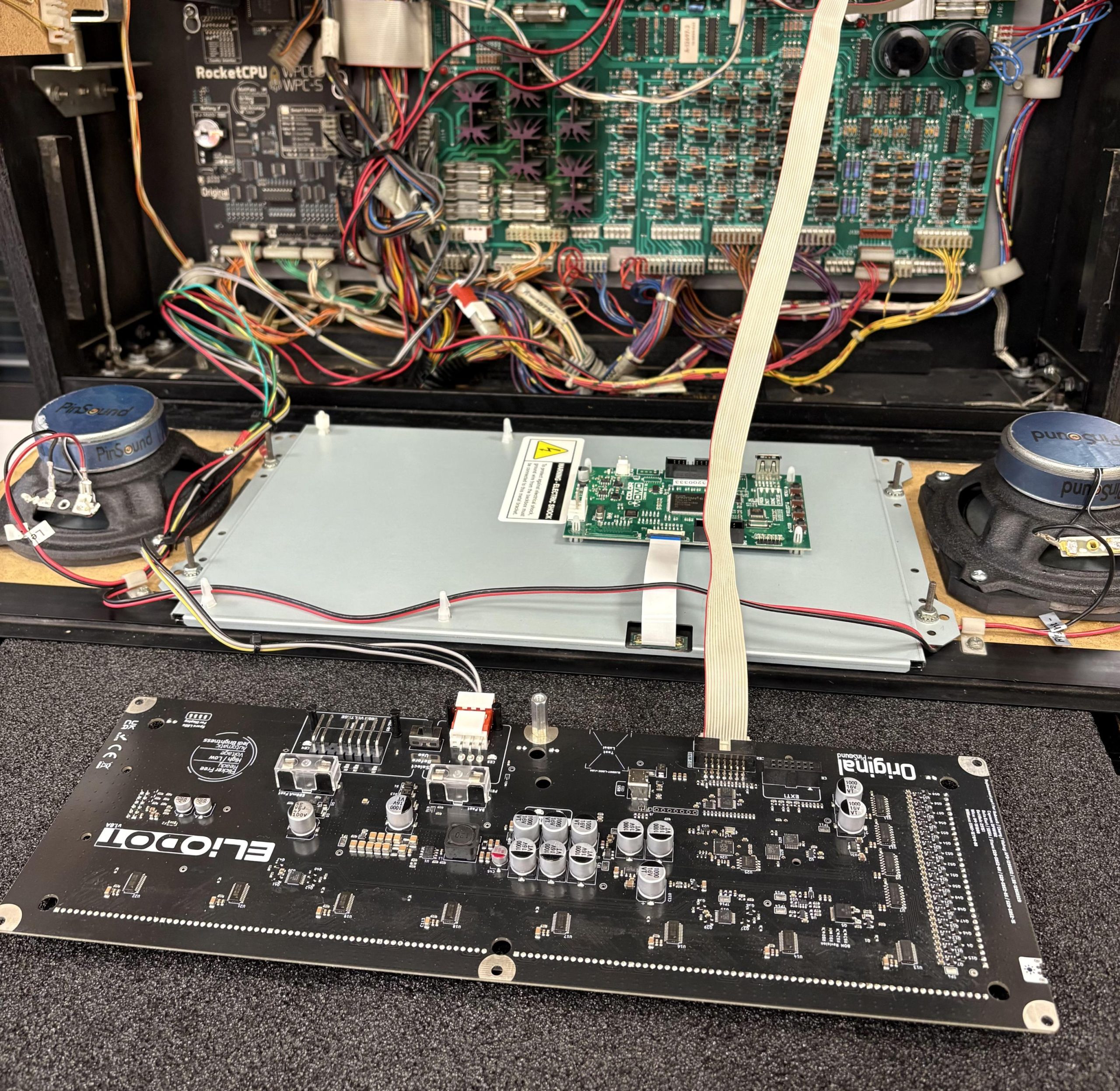
You can replace your ColorDMD and use the existing ColorDMD wiring harness to power your ELIODOT.
Don’t forget to set the voltage selector to ‘Low Voltage’ (the machine must be turned off before operating this switch).