Single press the side button to check current level.
Press repeatedly to reach the desired brightness.
Note: Brightness setting persists after power-off.
Press and hold the side button for 3 seconds to enter the diagnostic menu.
Short click to navigate to Startup Logo
Double-click the button to toggle ON or OFF.
Hold button 3 seconds to save or wait for auto save & exit.
|

|
Note: The Antiflicker feature is only available on WPC games. It will automatically be enabled, but can be manually forced OFF in the menu settings if needed.
Installation Tutorial for Jedi interface:
Please remove the display from the device and lay it on a flat surface before proceeding.
Position your ELIODOT display so the screen faces you. Focus on the left side of the display.
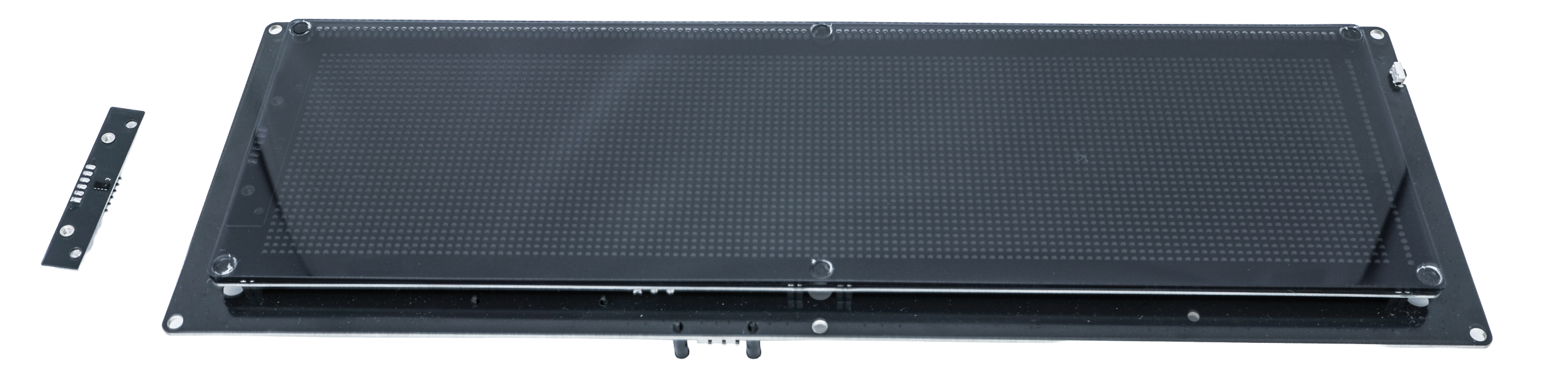
Orient the Jedi Interface with the male headers facing the back. Locate the notch on the left edge of the display, then slide the interface into the female slot.
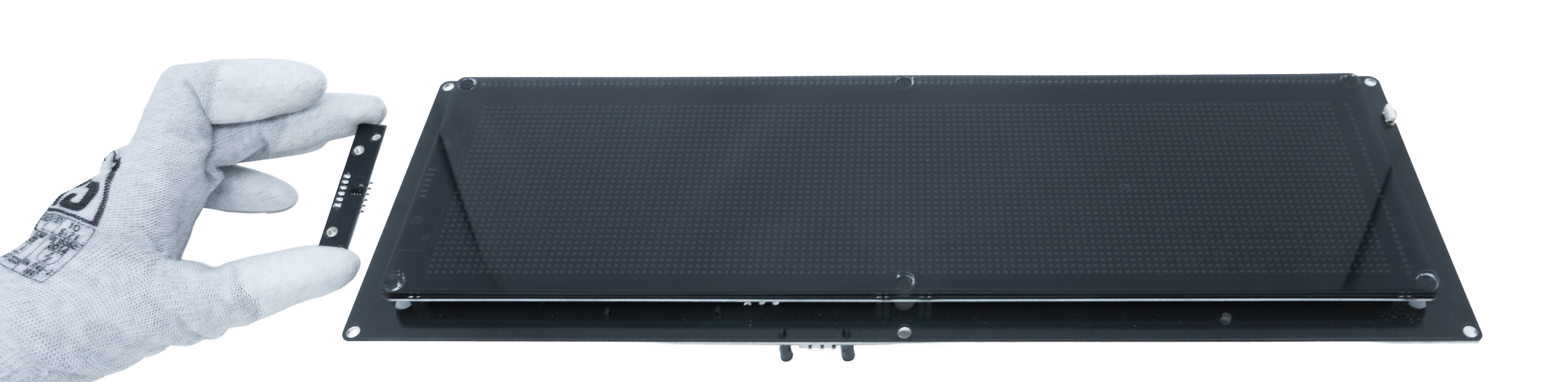
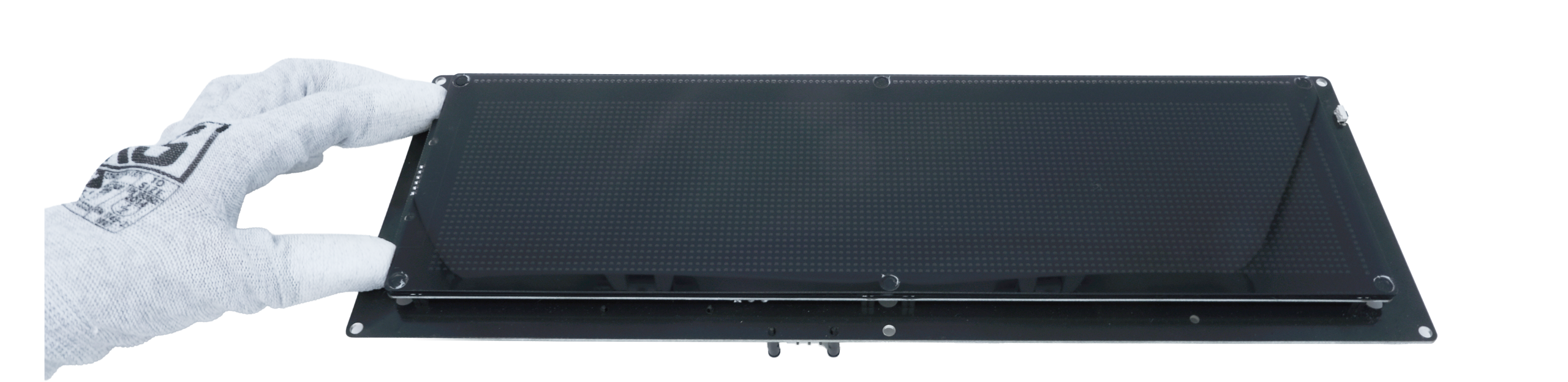
Apply firm pressure to the Jedi interface until it settles securely between the display and the PCB. The interface is correctly installed once it is entirely masked by the front frame.
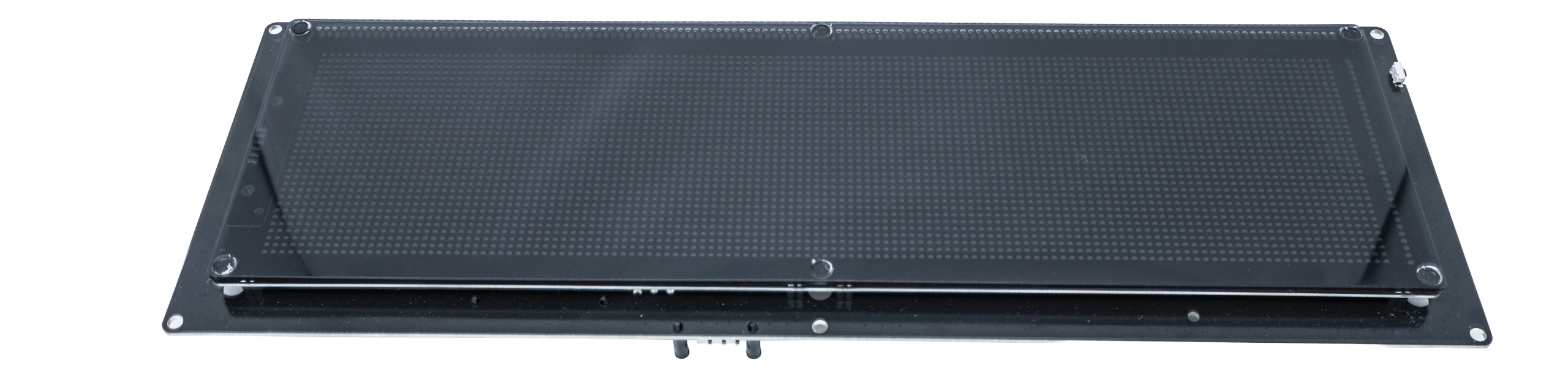
FE1: 3 A Fast
FE2: 500 mA Fast
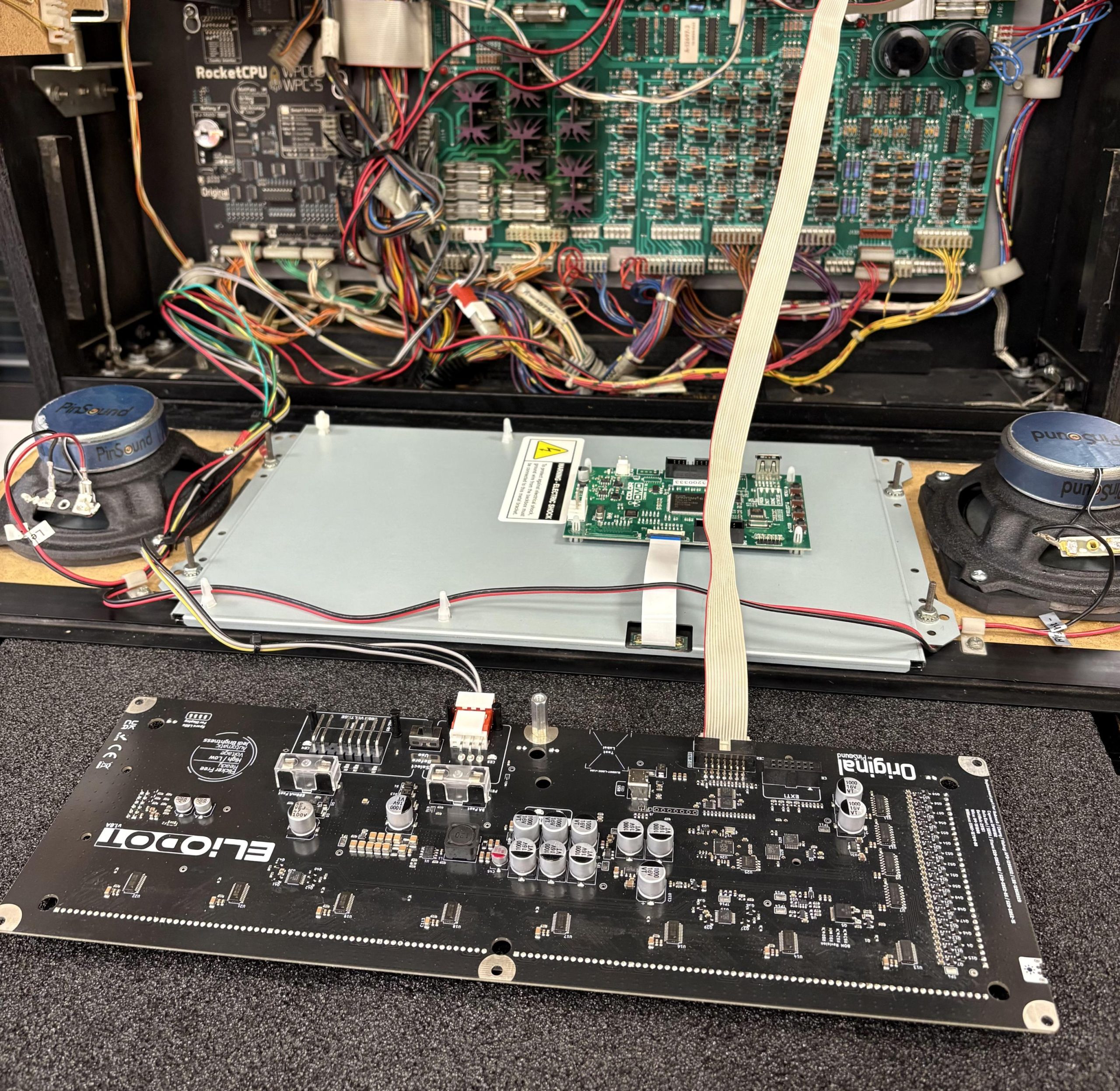
You can replace your ColorDMD and use the existing ColorDMD wiring harness to power your ELIODOT.
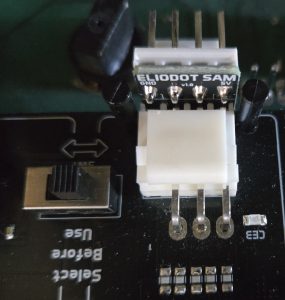
Don’t forget to set the voltage selector to ‘Low Voltage’ (the machine must be turned off before operating this switch).
On a STERN SAM pinball machine, you’ll get an extra adapter.
Use this adapter to connect your display.
Don’t forget to set the voltage selector to ‘Low Voltage’ (the machine must be turned off before operating this switch).